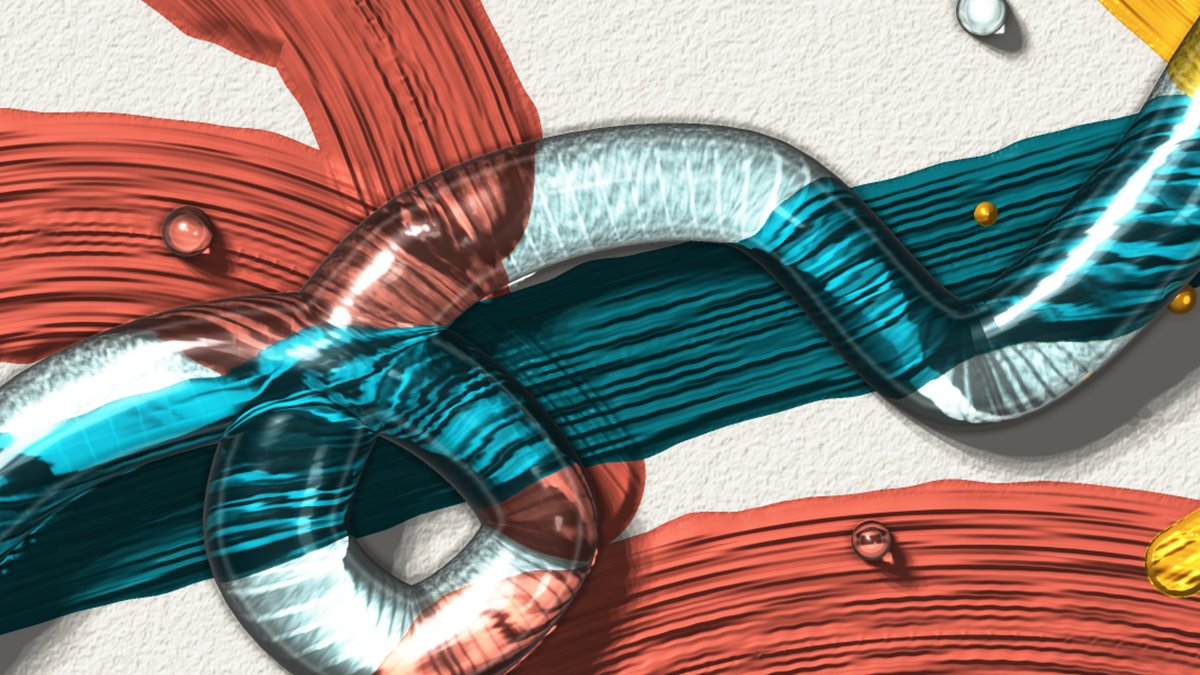
Glass that bends the light
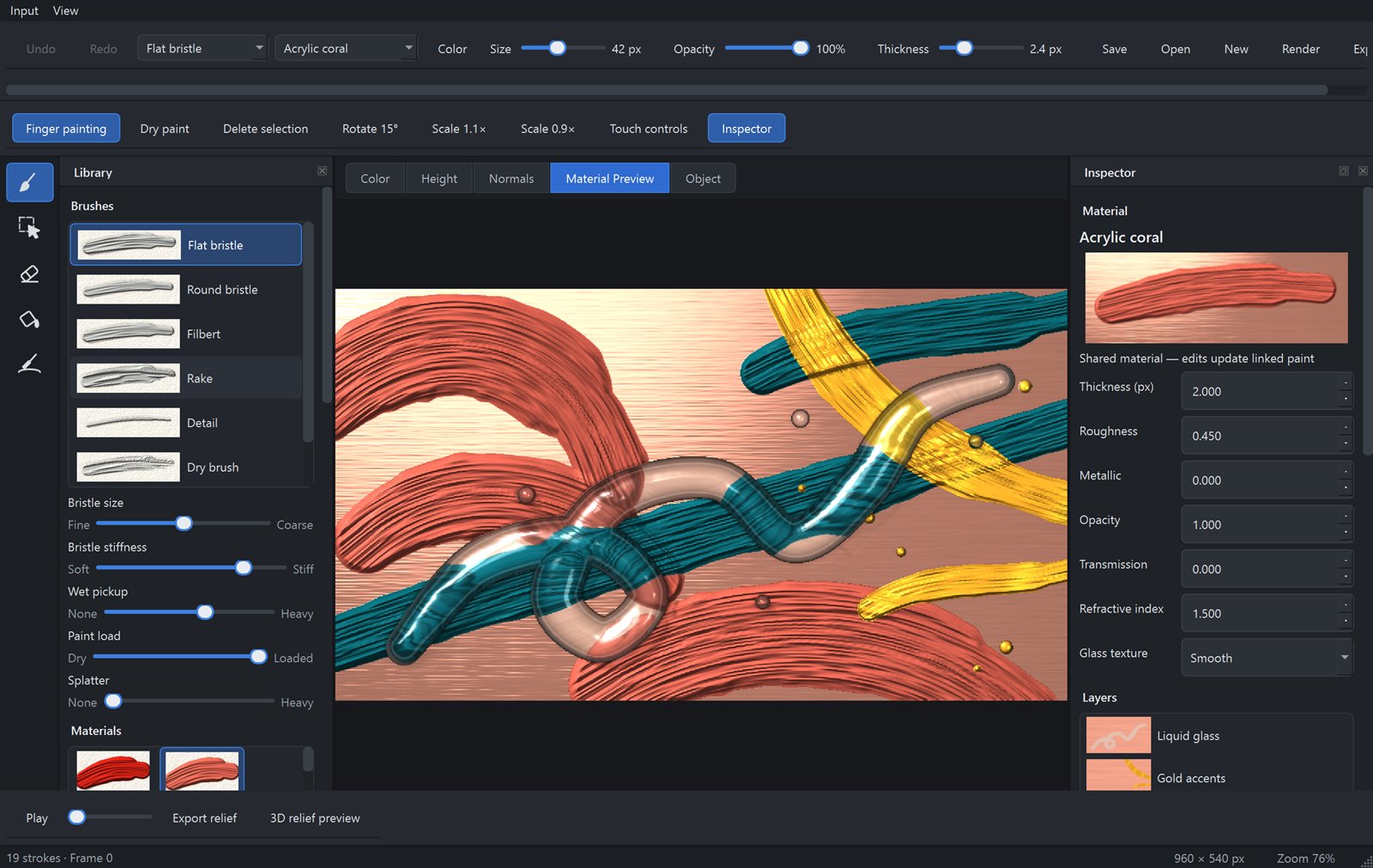
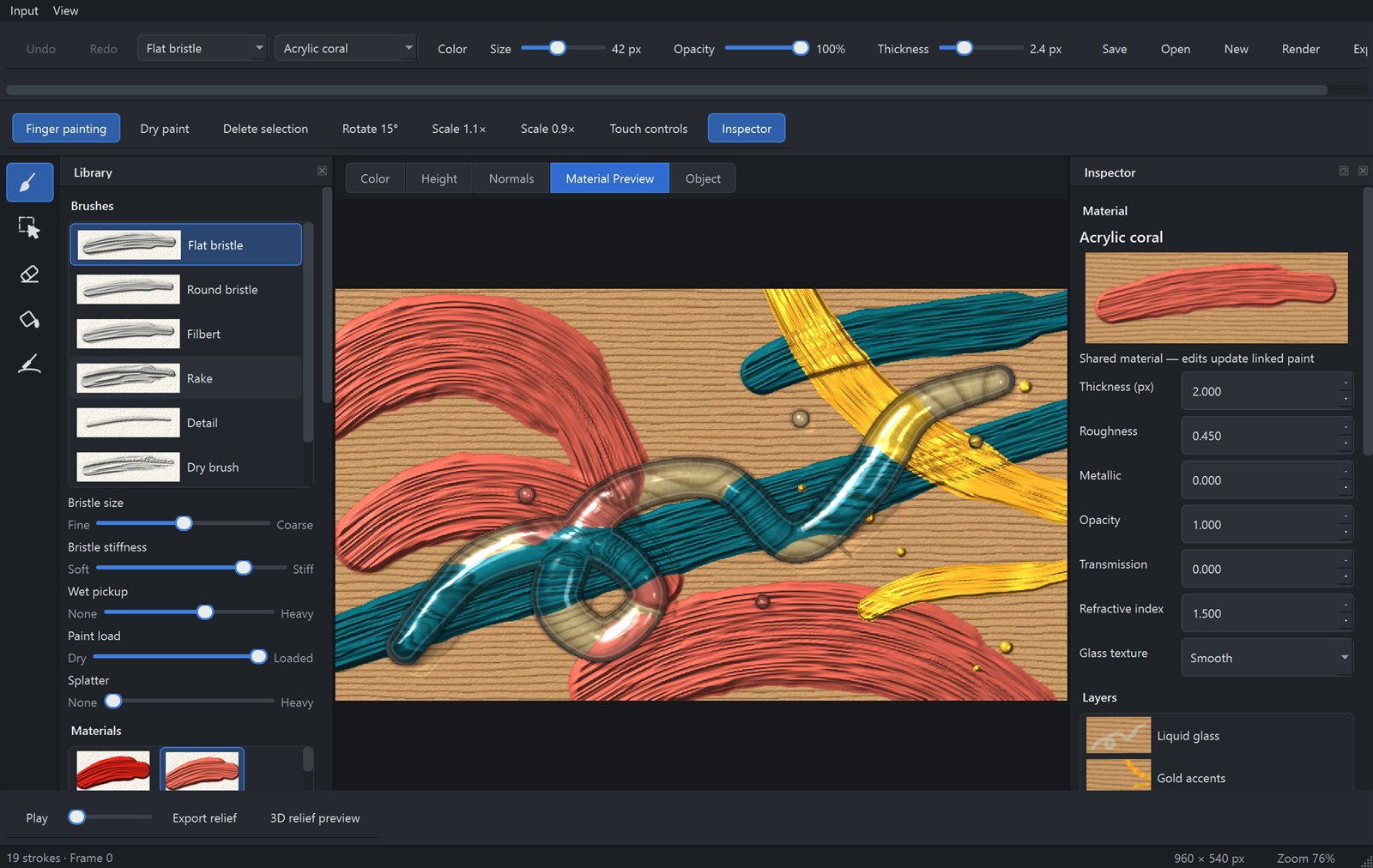
Clear glass magnifies the bristle marks beneath it, splits a hint of colour at its edges and gathers light onto the paint, the way a real glass rod does.
Draw · Paint · Carve · Animate
Thick acrylic that keeps every bristle mark. Pigments that mix the way paint does. Glass that bends the light behind it. In FUSION: Canvas every stroke is a material, on any surface, even on a 3D object.
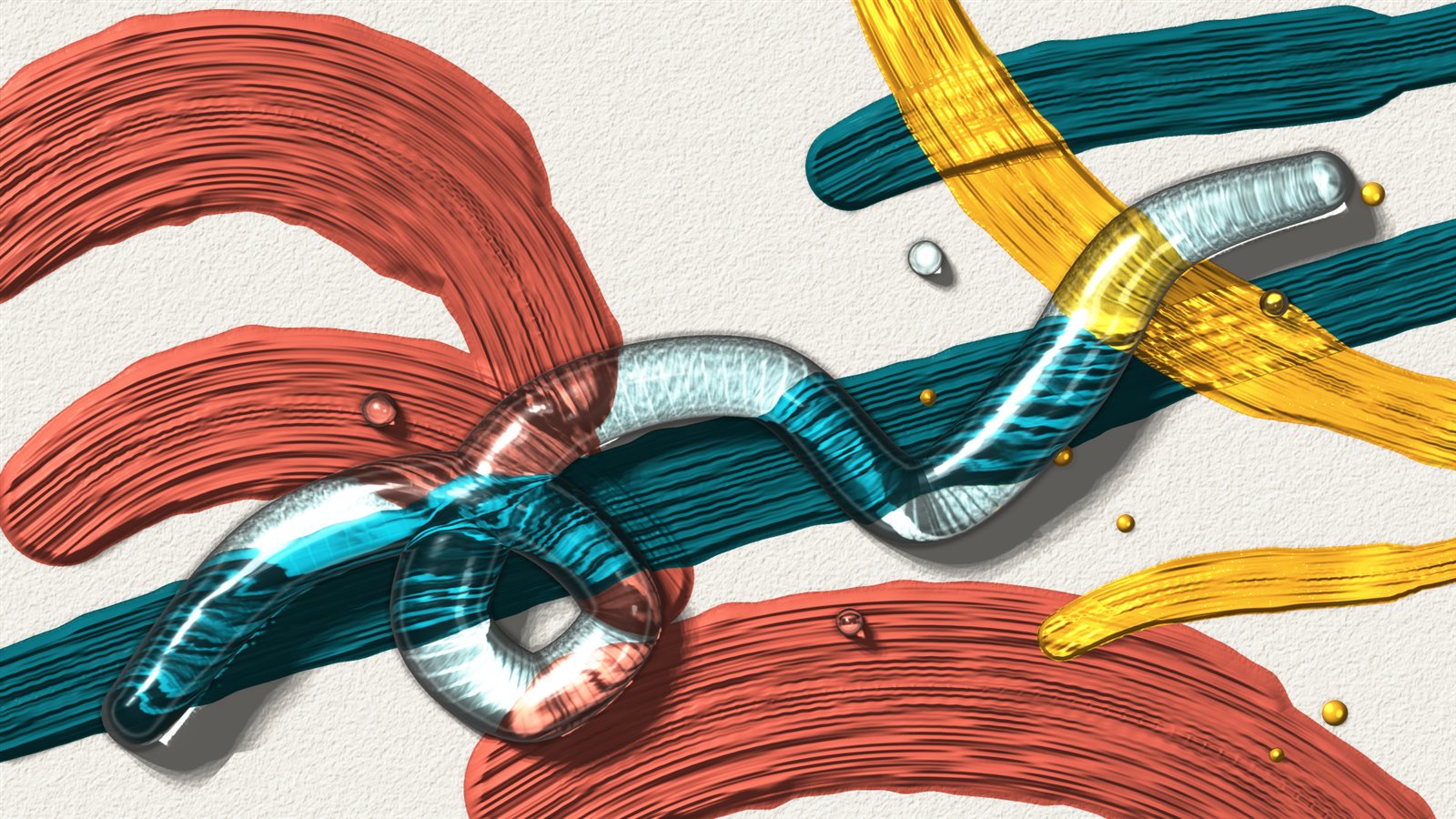
Final render
While you paint, Canvas shows a fast, lit preview. When the piece is ready, press Render. Light is traced through every bead of glass and gathers where the glass focuses it, shadows soften, highlights glow, and the picture is rendered at high resolution and smoothed. Save it as a PNG, ready to print or share.
Clear glass magnifies the bristle marks beneath it, splits a hint of colour at its edges and gathers light onto the paint, the way a real glass rod does.
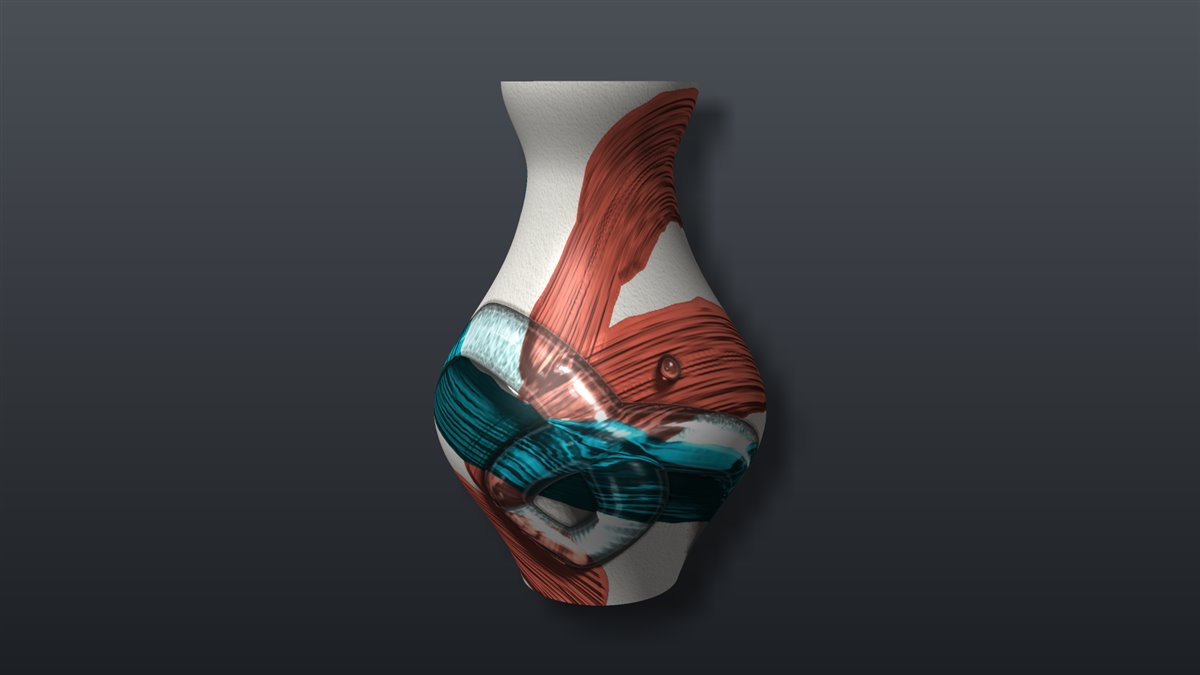
Render a painted object from any angle you choose, on a studio backdrop with its own shadow.
Paint that behaves like paint
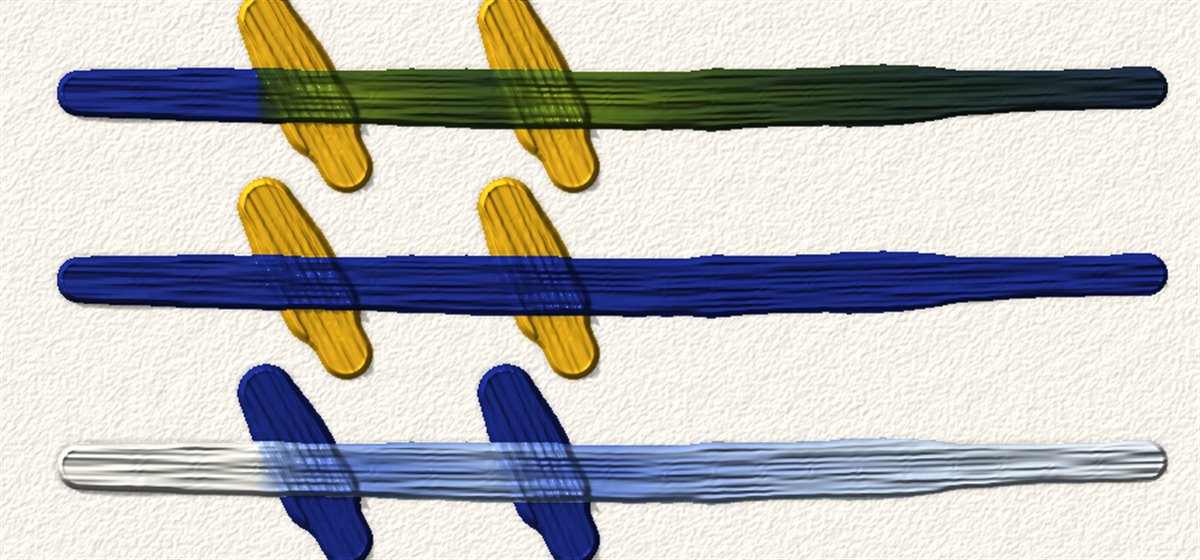
Colours mix the way real pigments do. Ultramarine and cadmium yellow make green, not grey. A touch of titanium white lifts a colour the way it does on a real palette.
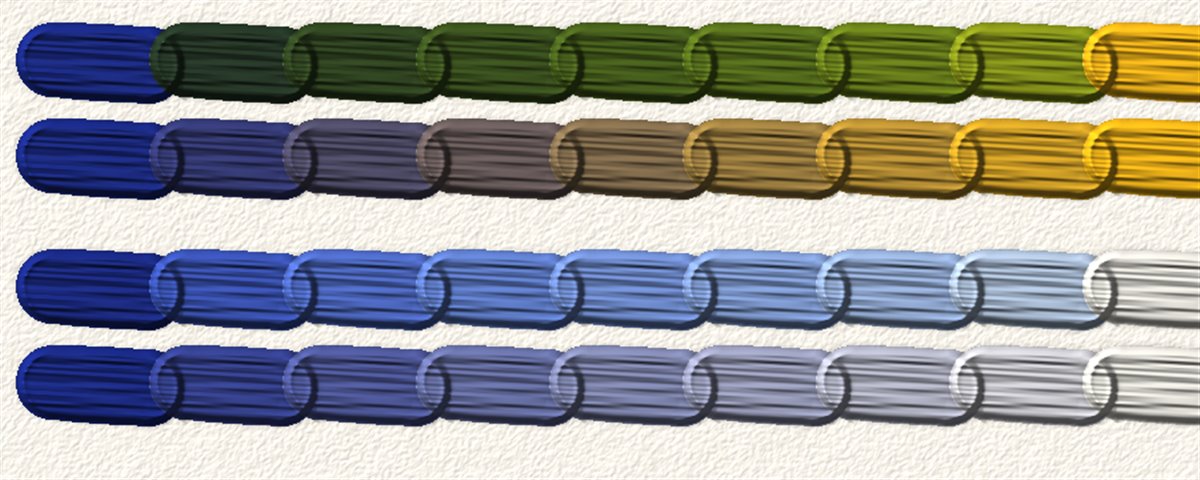
Paint into wet paint and the colours blend where they meet. The brush picks colour up and drags it along in streaks that follow its bristles. When you are happy, dry the painting and keep working on top.
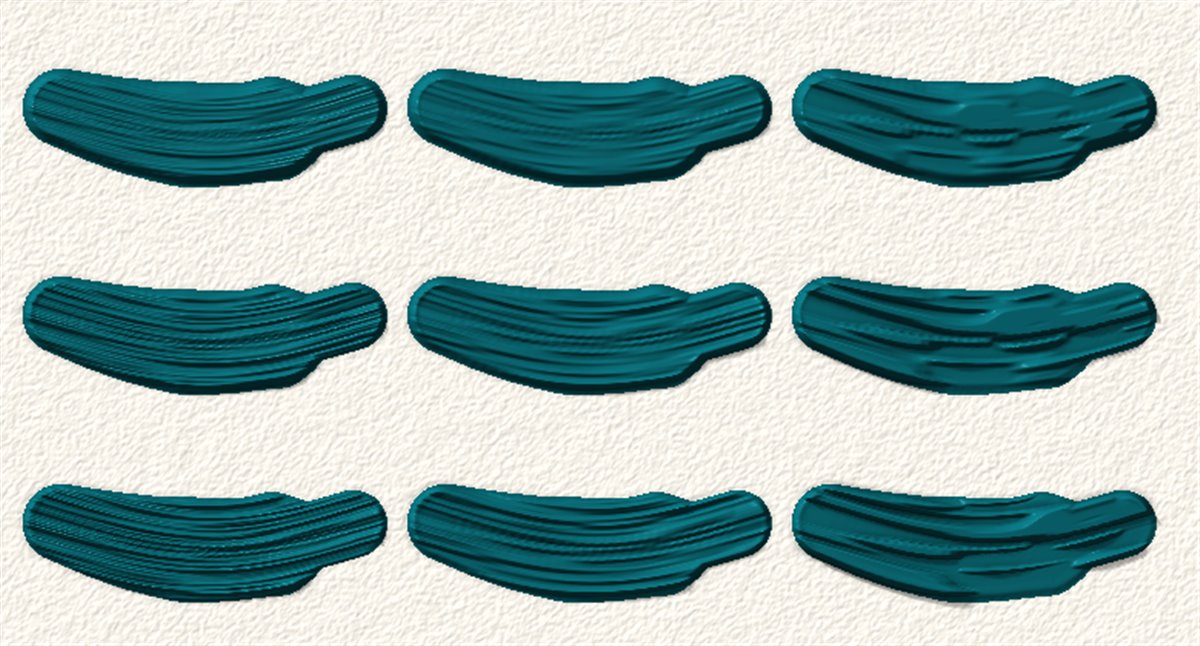
Flat, round, filbert, rake, detail and dry brushes. Tune each one from fine to coarse bristles and from soft to stiff. Strokes taper and swell with your pen or your mouse.
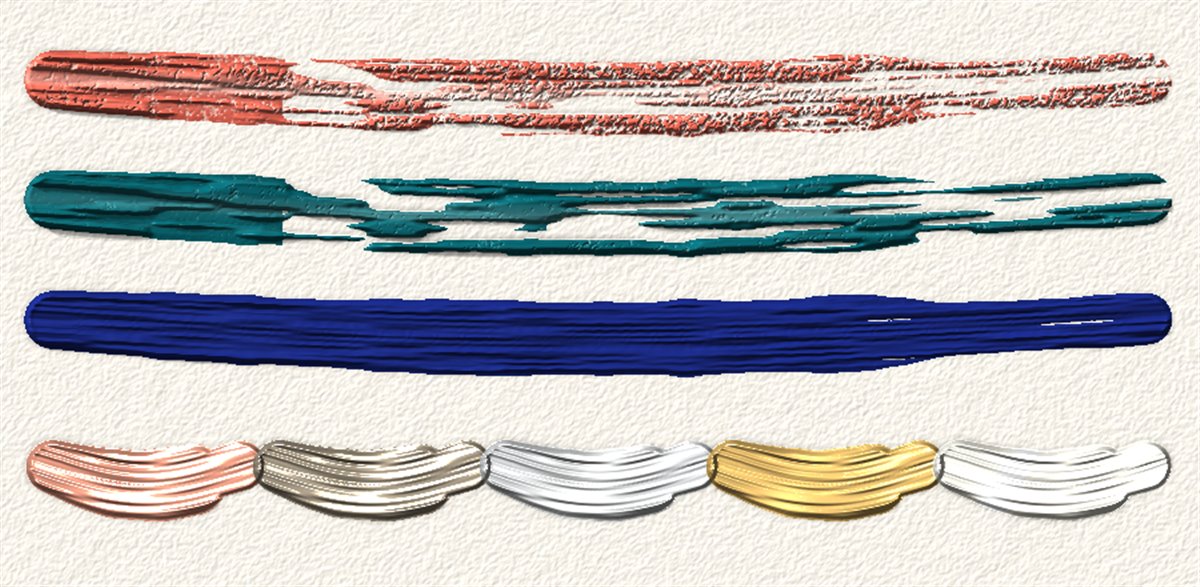
A dry brush skips across the paper's texture. Splatter flicks droplets off the end of a stroke. Copper, nickel, aluminium, brass, silver and gold catch the light like the real thing.
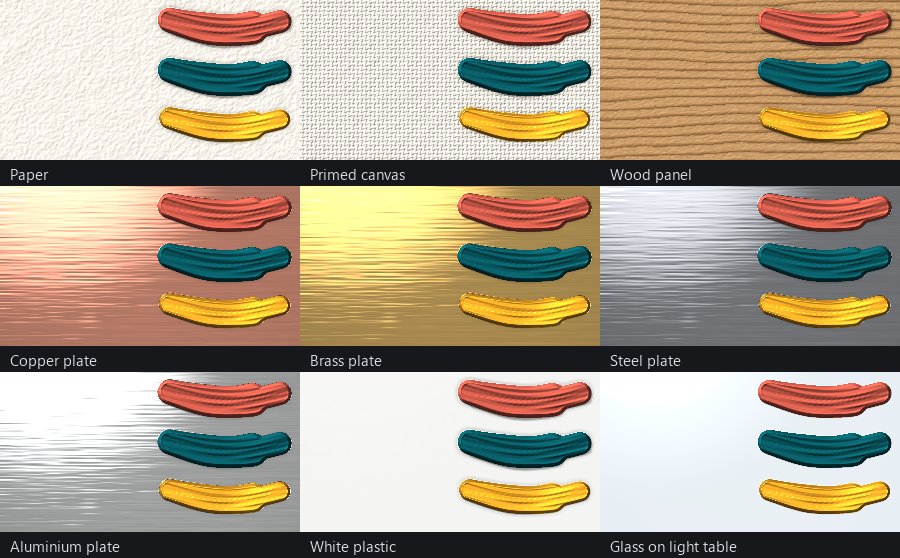
Choose what you paint on
Paper, primed canvas, a wood panel, polished copper, brass, steel, aluminium, white plastic or glass. Each surface has its own texture and its own response to light, and your paint sits on top of it.
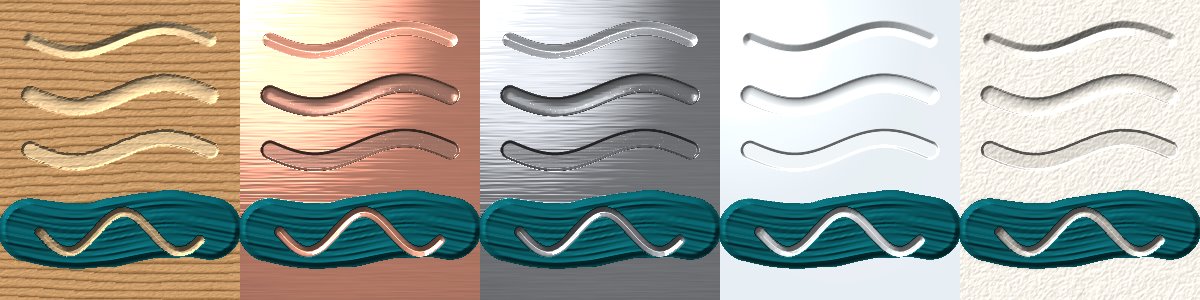
Carve, engrave and etch
Choose a V-bit, round-nose or flat bit and carve. Each material answers in its own way. Routed wood shows fresh, lighter fibres. A V-bit engraves bright lines into metal, while etching leaves a matte floor. Glass and plastic frost white.
Scratch through wet or dry paint to reveal the surface beneath, the classic sgraffito technique, or paint into a groove after you cut it.
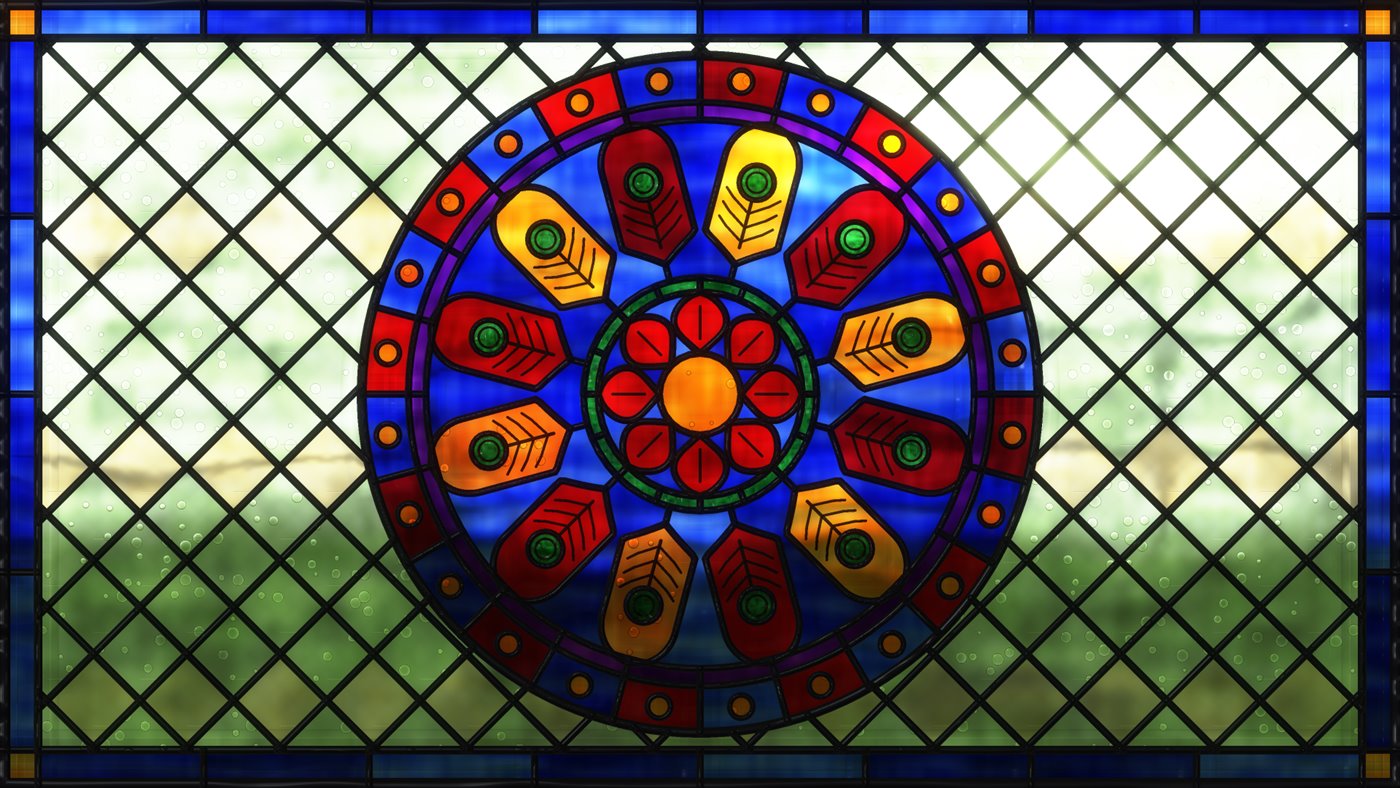
Stained glass
Put window glass behind your work and daylight shines through it: sky, sun and trees beyond, blurred and bent by the glass. Ruby, cobalt, emerald, amber, gold and violet glass glow with colour, lighter where the sheet is thin and deeper where it is thick. Lead came frames every piece, and dark glass paint adds veins and line work.
Choose a texture for each glass: hammered, seedy with tiny bubbles, rippled, reeded, granite, glue-chip or streaky. Each one bends the light coming through it.
Objects as canvases
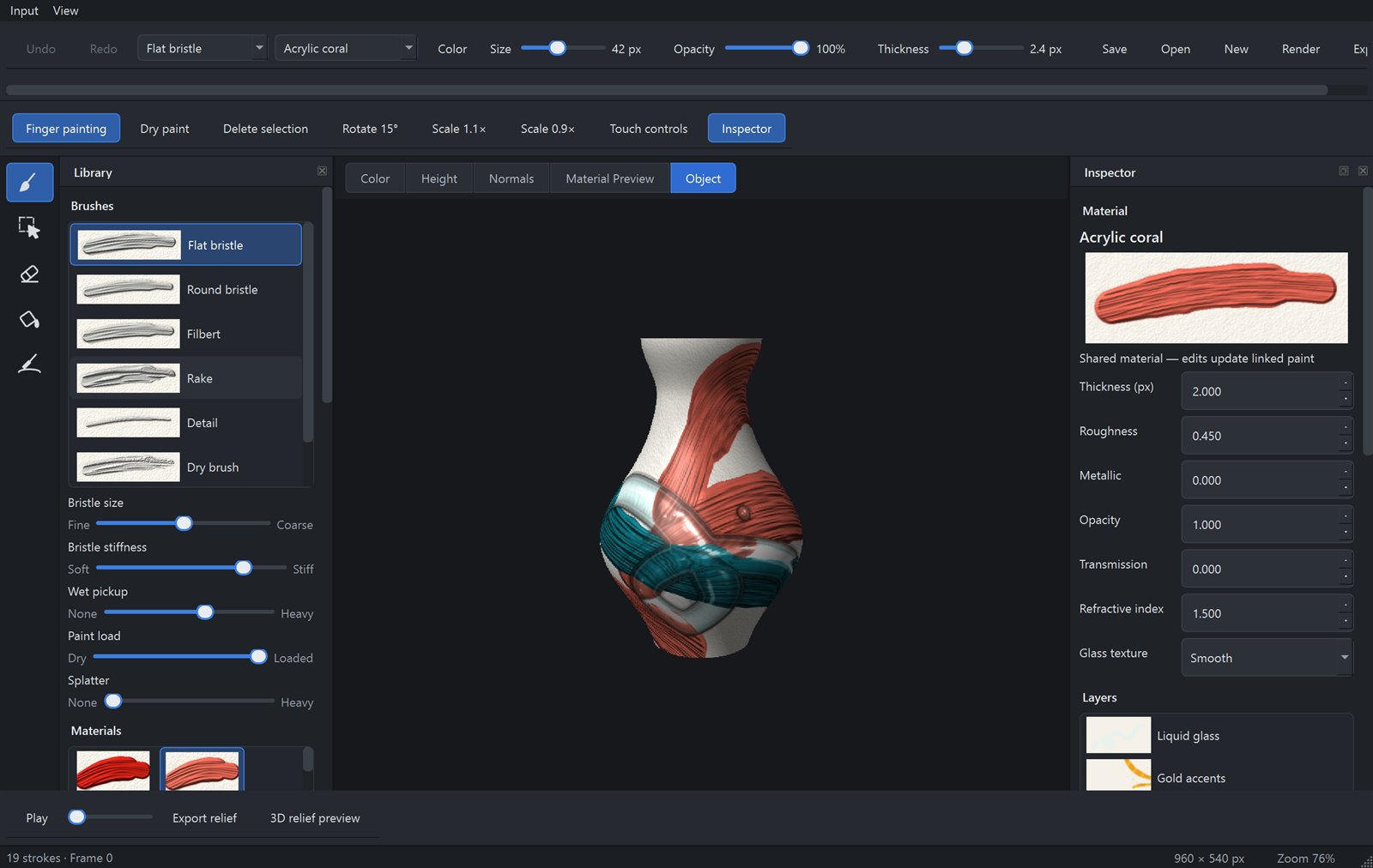
Wrap your painting around a vase, bottle, sphere, cylinder or box, then turn it and keep painting right on the object. Strokes follow its curves and carry on cleanly around the back.
Load your own 3D objects too. Their texture layout becomes your canvas, so every brush, material, surface and carving tool works on them.
Animate the material
Draw frame by frame, or animate what is already there. Let gold rise through a surface, change a glass stroke's thickness over time, and keep every change editable on an artist-friendly timeline.
Change a material after the paint is down, adjust thickness, rotate the grain or move a stroke. Shared materials update everywhere they are used.
Layers with live thumbnails, undo for every gesture, and recovery that keeps your work safe.
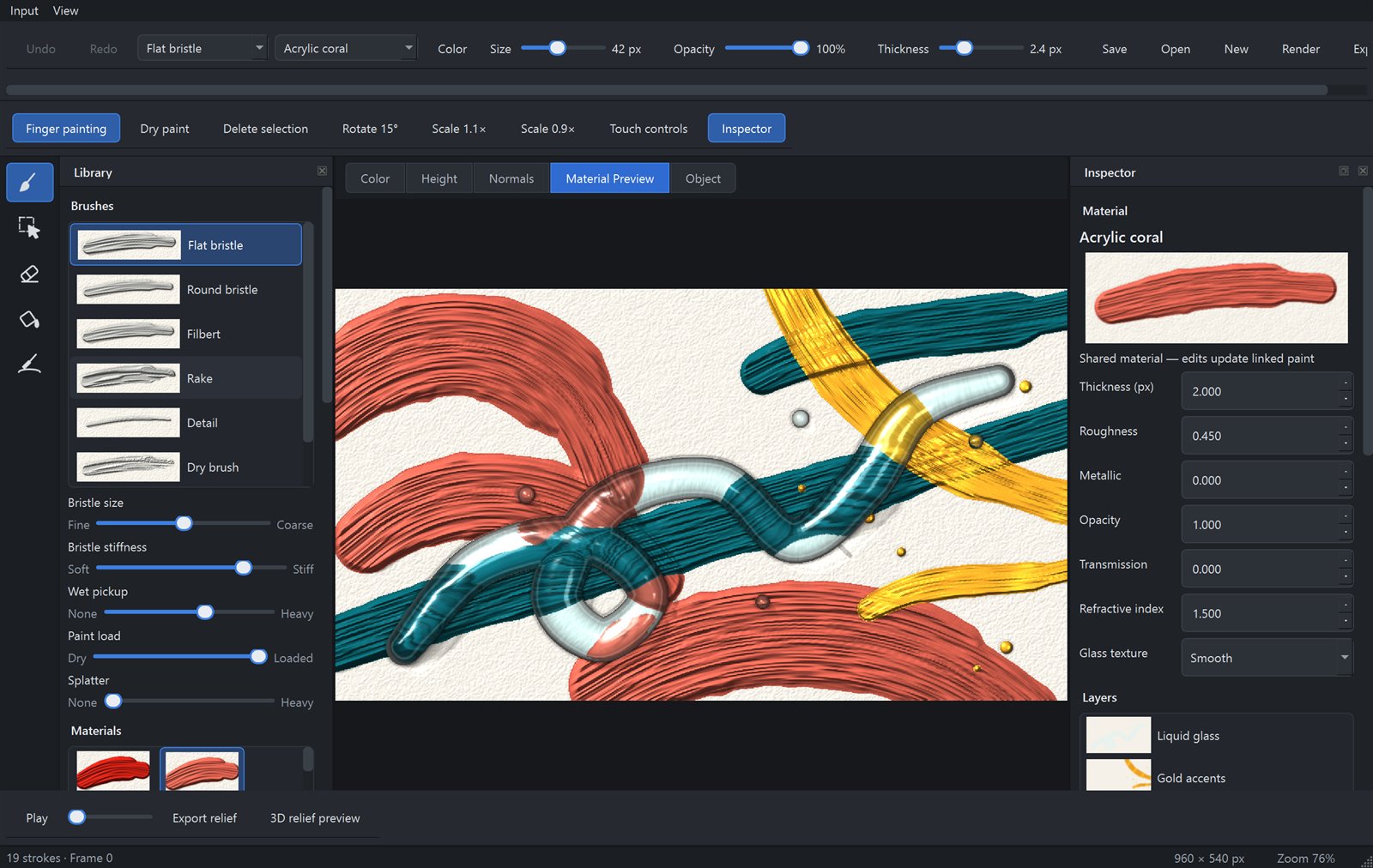
Switch between colour, height, surface normals, the lit material preview and the object view while you work.
Wherever you create
A native application built for drawing tablets, pens, fingers and mice, with an interface that adapts from a phone to a large studio display.
On the horizon
We are building toward a studio where anything can be painted, printed and shared.
Carve a linocut or etch a copper plate, ink it and pull a print.
Watch copper turn green, steel rust and varnish age, then restore it.
Automate and generate artwork with Solerra, Fusion's language, with AI that writes scripts you can read and change.
Paint materials and objects for the FUSION 3D Editor and FUSION: Interact.
Physical brush and felt-tip pen tools that tell Canvas how you hold and press them.
Send carvings to a router or laser, and print paintings with raised texture.